Settings Cheatsheet
Add as many steps as you want below to create a step by step guide. You can upload your own screenshots (or) videos to create a more engaging guide. Once you click on 'Finish', you'll be able to view this guide as a scroll or as an interactive demo video.
Mar 07, 2024●
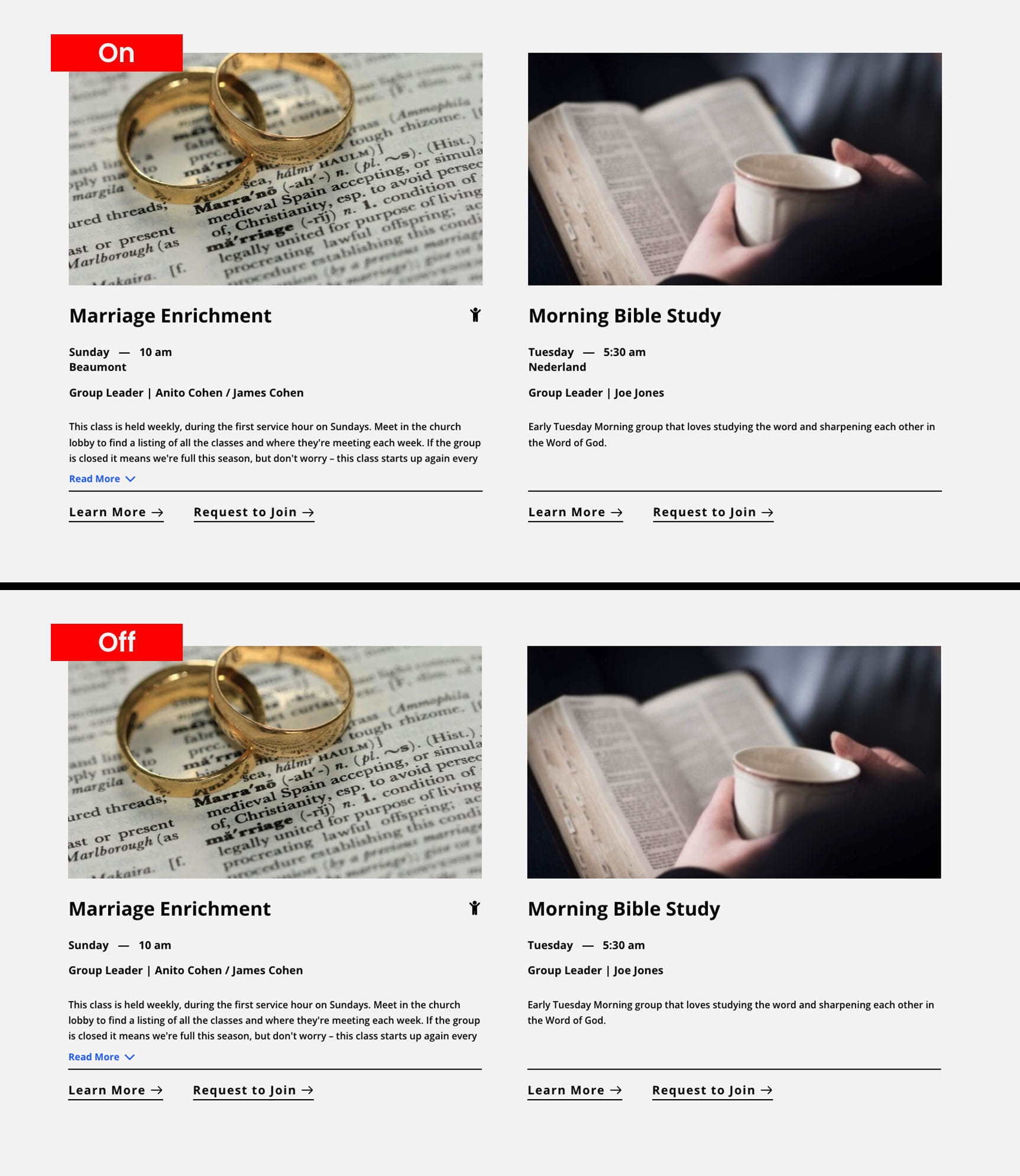
Display Settings
1
Enter your church name in the 'Church Name' text box which will serve as an identifier for tracking purposes when the 'Learn More' button is clicked, triggering the display of additional information.
2
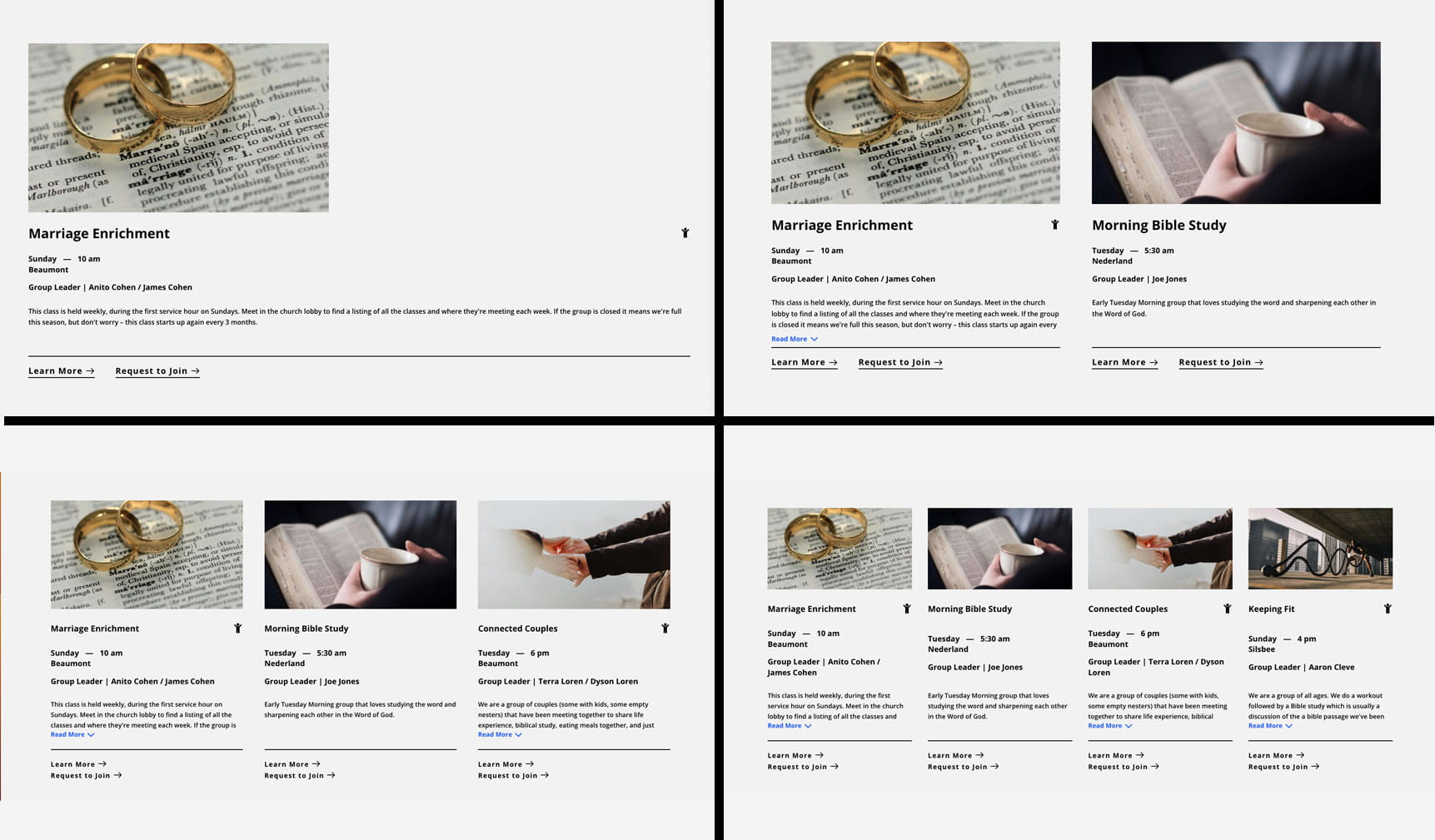
Number of Columns
3
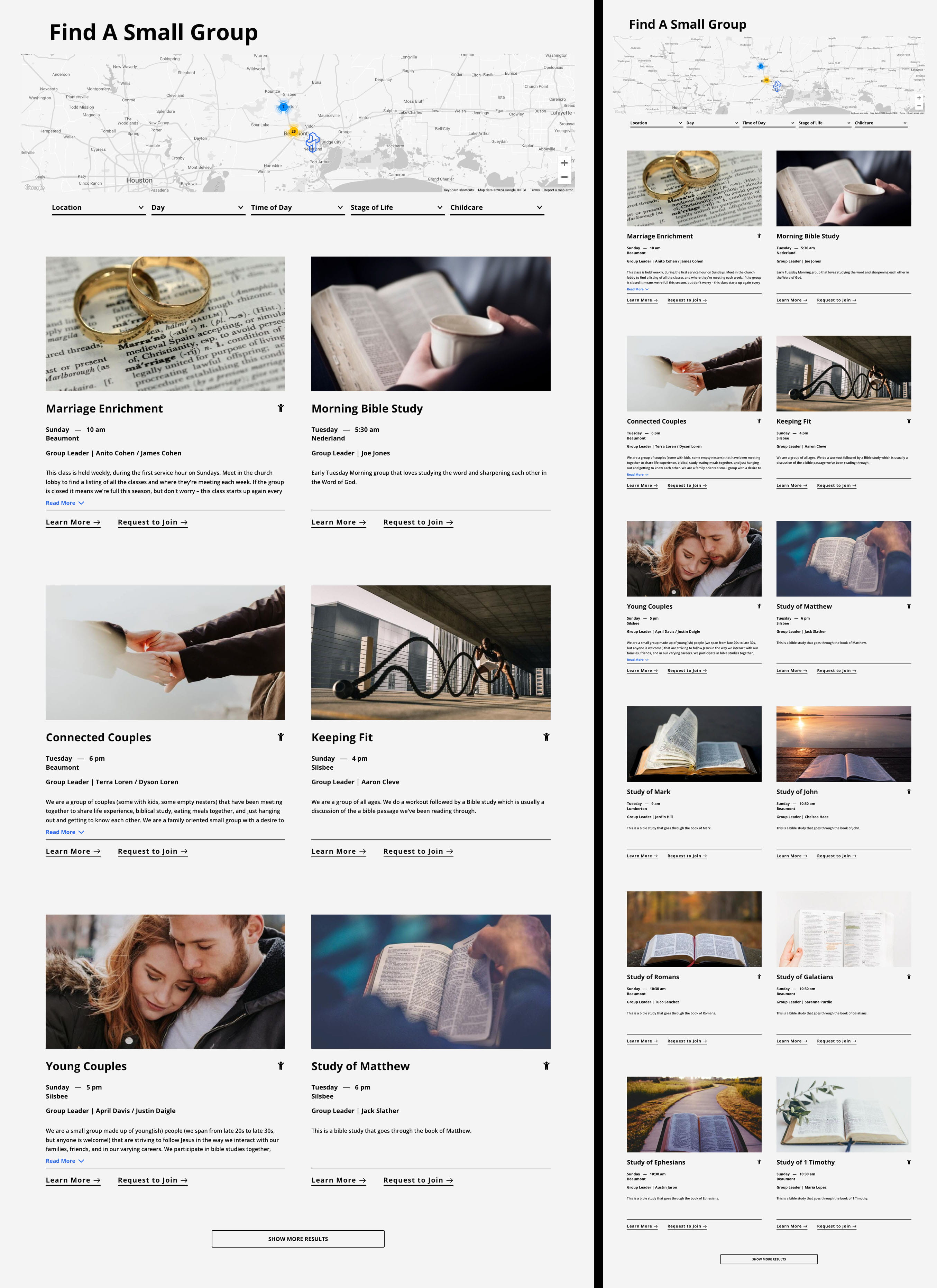
Pagination
4
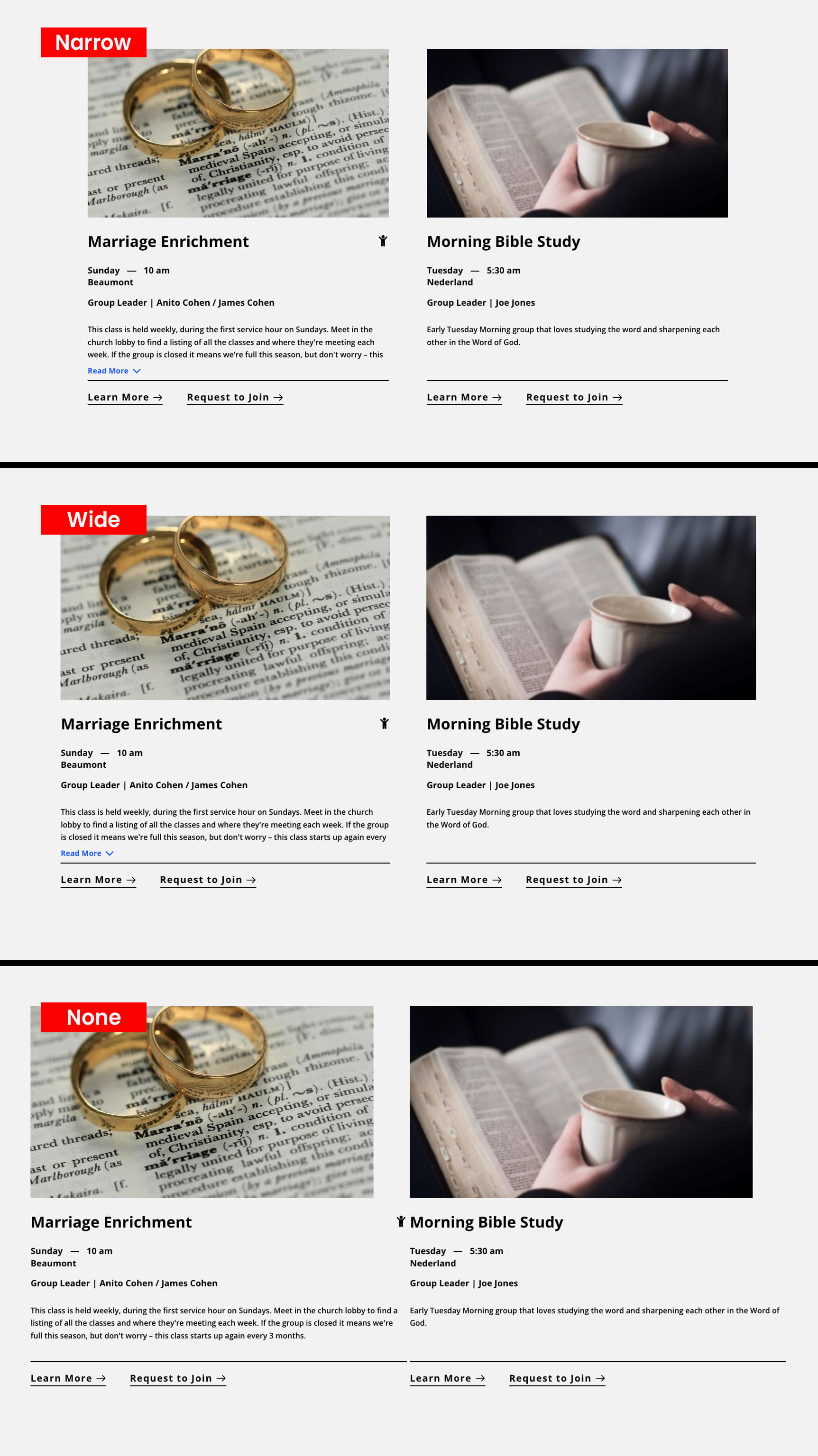
Card/Filter Gutter *It is not advised to use 'None' unless you've selected 1 column in the 'Number of Columns' setting.
5
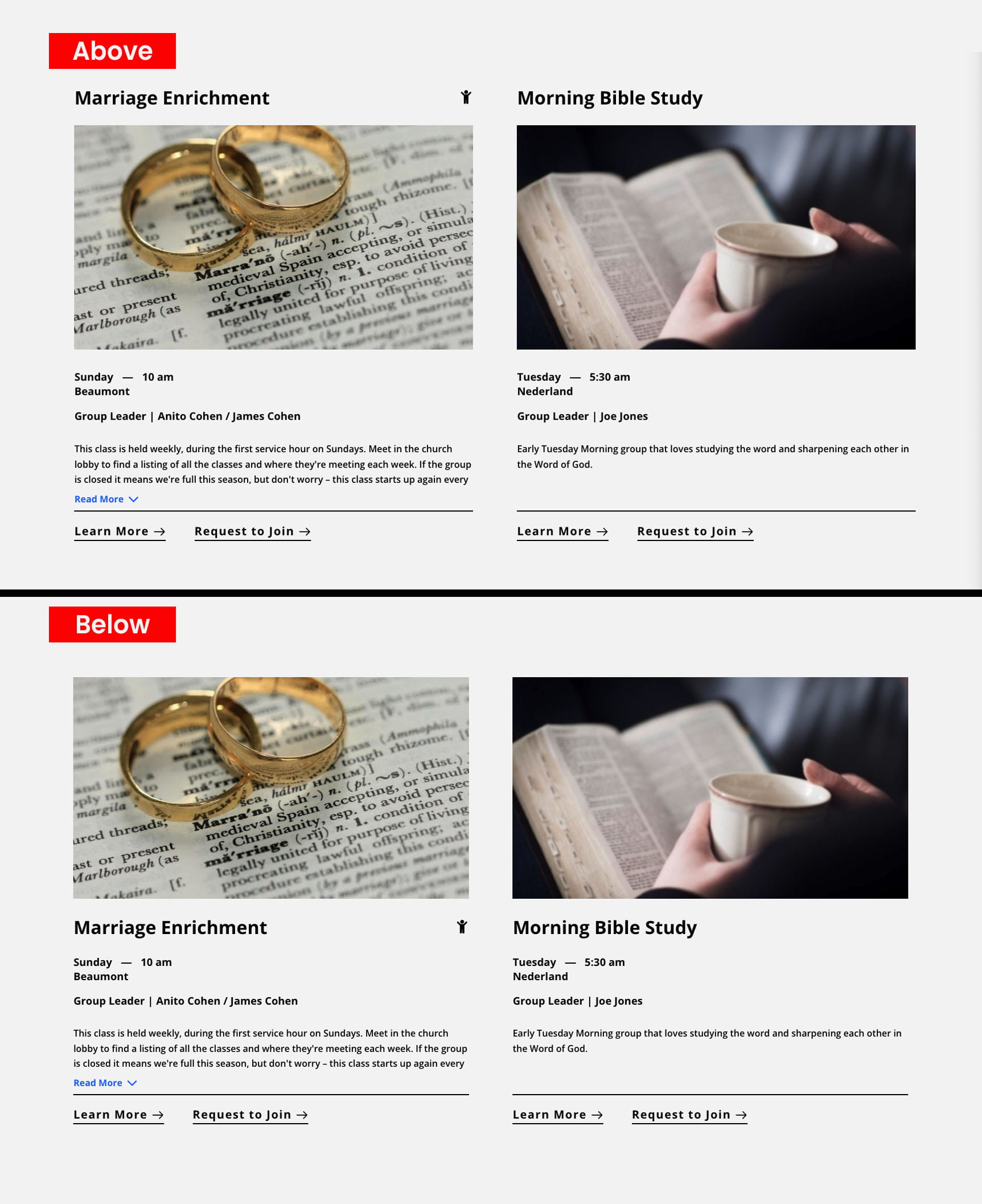
Group Title Position
6
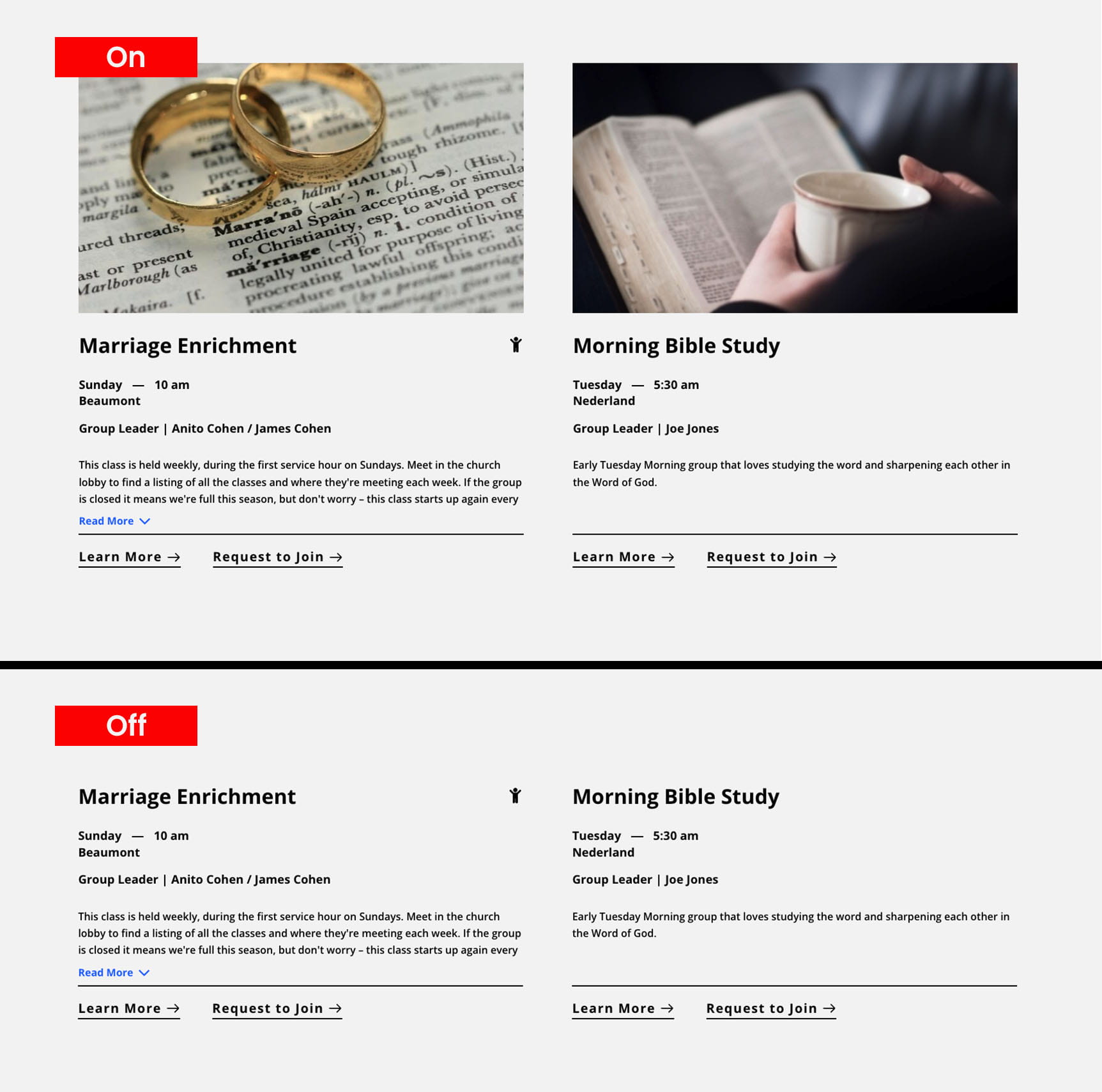
Groups Image
7
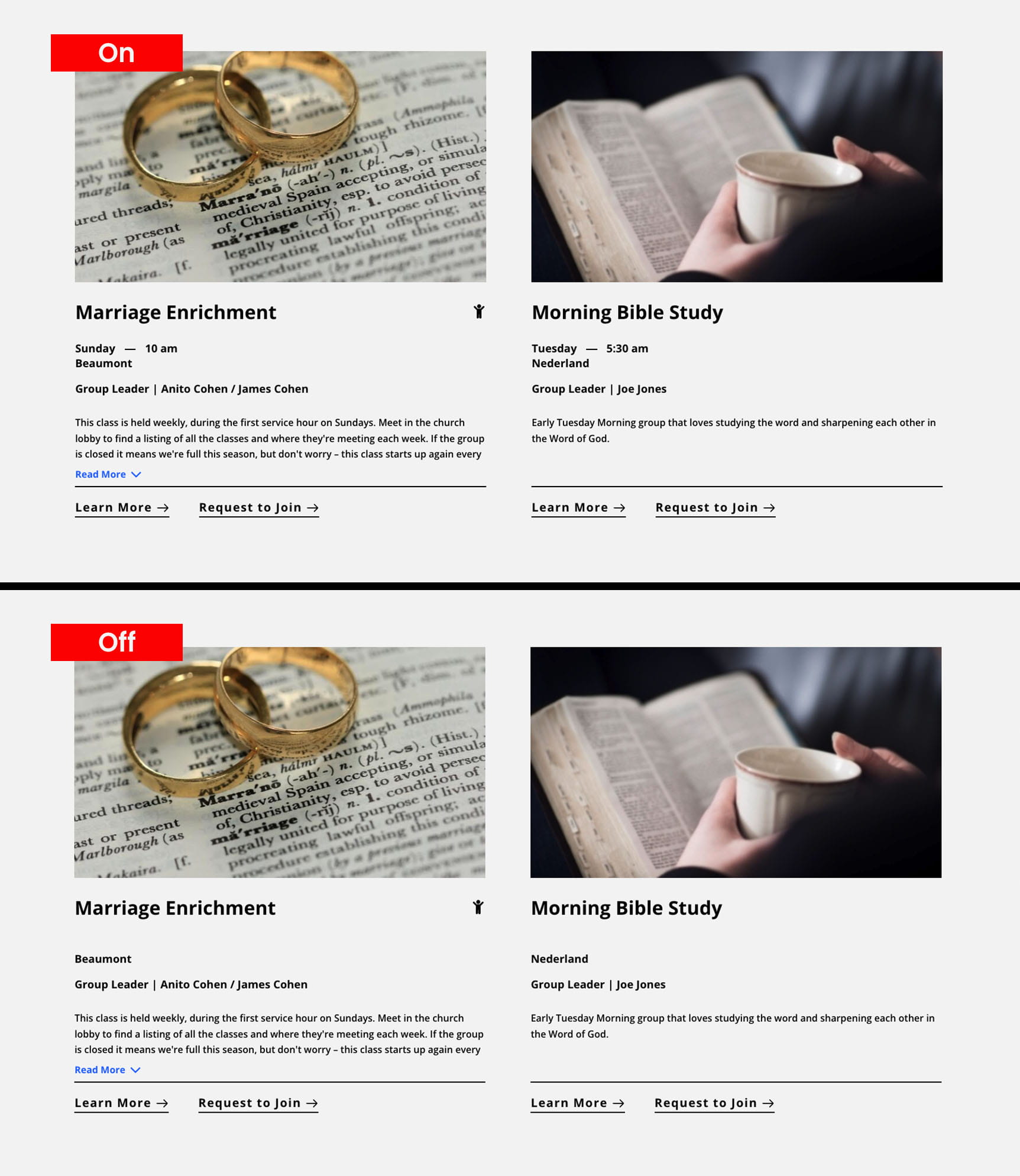
Schedule
8
Location